

As digital transformation continues to shape how safety teams operate, PEER remains committed to helping organizations achieve smarter, faster, and safer OHS management.
This month’s updates focus on improving system security, user experience, and reporting clarity — ensuring that your HSE operations run seamlessly across every project and site.
Whether you’re managing inspections, permits, or worker data, these enhancements are designed to make your daily workflow more intuitive and reliable.
Here’s what’s new in the October 2025 PEER Release 👇
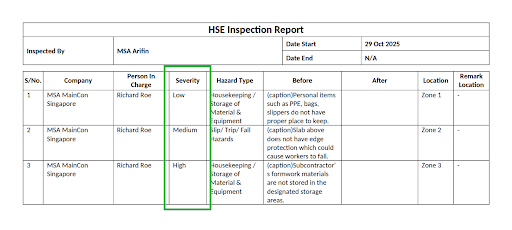
1. Simplified Severity Labels in HSE Inspection
Default Severity levels in inspection reports are now displayed clearly as:
Low = Low, Medium = Medium, High = HighCompanies using custom configurations will not be affected.
2. Enhanced System Security
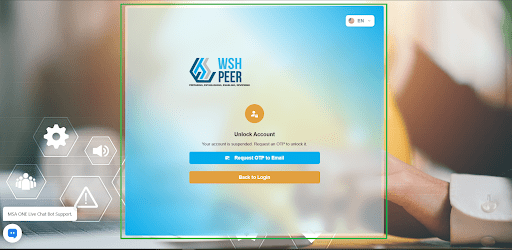
- Improved authentication and API protection for better platform stability
- Updated Two-Factor Authentication (2FA) mechanism for smoother login performance.
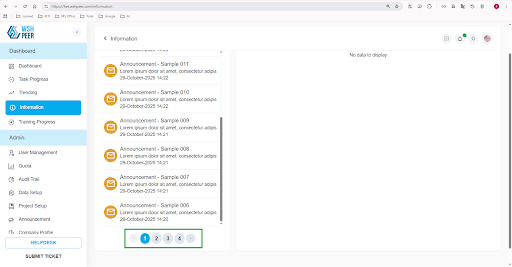
3. Better User Experience in Announcements
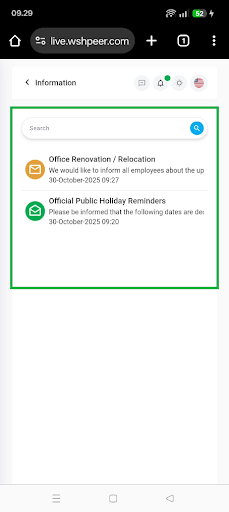
- Added pagination (10 announcements per page) for better readability.
- Enhanced top bar notifications — now refresh in real time and open directly to the related message
4. Worker & Project Setup Fixes
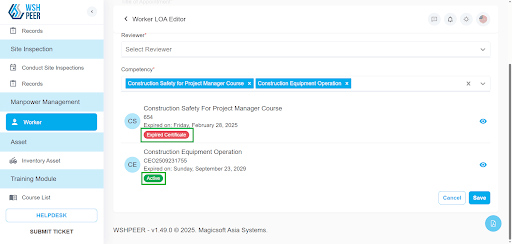
Fixed display issue where expired worker certificates appeared active.
Project user lists now update in real time after new assignments.
Adjusted Site Inspection form options to “checklist only” for consistent setup
5. Improved User Registration and Login
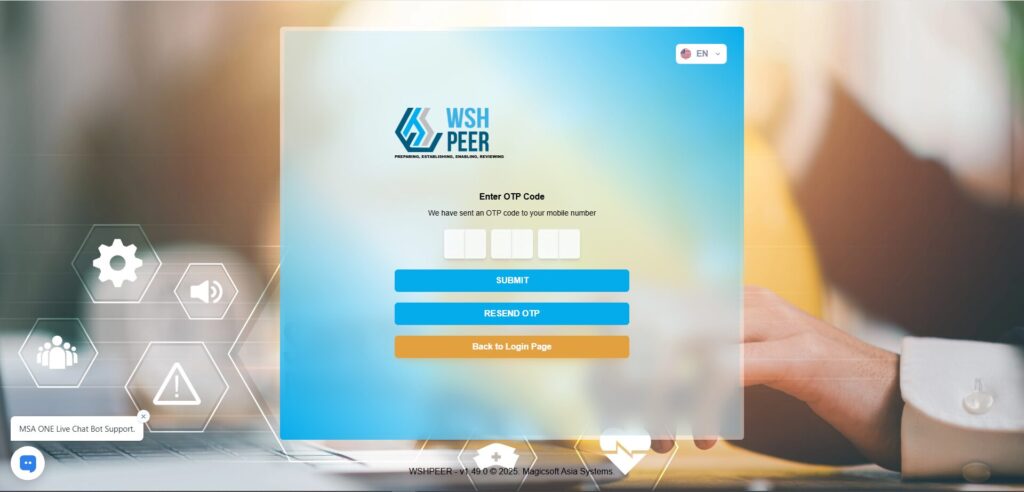
- Added the option to send verification links via SMS and re-send verification links when expired.
- Introduced phone number login with OTP for faster access.
- Enabled auto-login after verification to simplify onboarding.
- Added password strength hints and removed unnecessary “old password” fields for convenience.
6. User Setup Wizard Enhancements
A guided setup wizard now walks new users through:
Password creation
2FA setup
Telegram notification subscription
After setup, users are automatically redirected to the My Tasks page
7. HSE Inspection Improvements
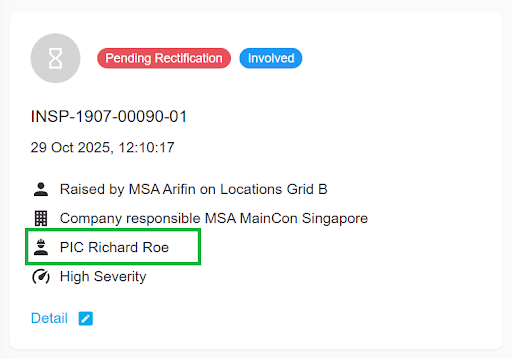
- Added PIC (Person in Charge) name to Findings List for easier tracking.
- Fixed creation issues for new Findings and Functions in Data Setup.
- Updated Tracker Report to display Company Code for better identification.
8. PTW & RE/RTO Module Updates
Prevented attaching checklists after PTW submission to maintain data integrity.
Removed unavailable Tracker Report button in the RE/RTO module.
Fixed unclosable pop-up issue in multiple checklist pages.
Overall Impact
These updates emphasize:
✅ Enhanced data security and authentication
✅ A smoother, more intuitive user experience
✅ Stronger accuracy and clarity in compliance reporting
